
ihor@dev:~$ cat extension-overview.md
About this extension
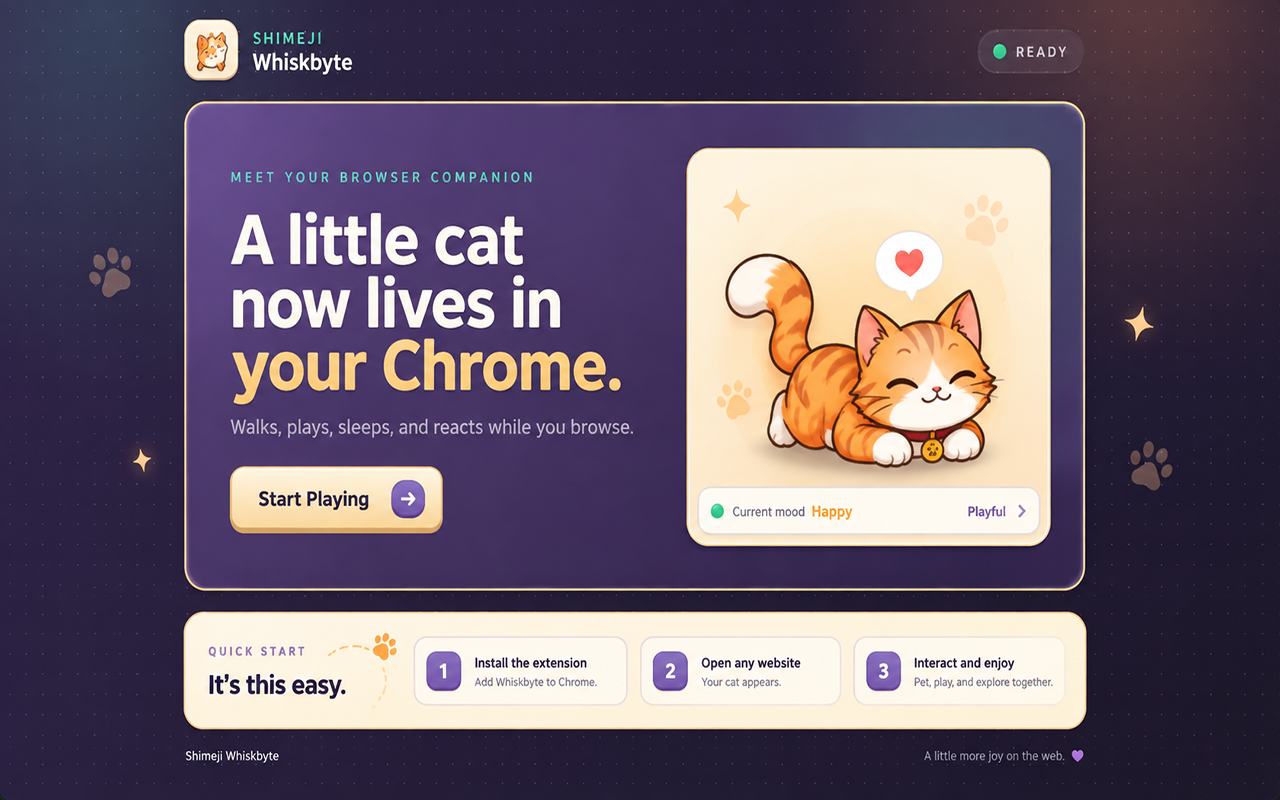
Shimeji Whiskbyte brings a small animated browser companion to your Chrome pages.
Instead of being just a floating image, your Shimeji behaves like a little character. It can walk around the page, run, play, sleep, react to your cursor and respond to the way you interact with it.
🐾 A BROWSER PET THAT FEELS ALIVE
Your Shimeji has its own animations, moods and daily routine.
It can:
- walk and run across web pages
- follow your mouse cursor
- react when you move nearby
- become curious when you select text
- purr when you interact with it
- play with a ball
- sit, lie down and curl up
- roll into a fluffy ball
- become hungry or thirsty
- get tired and go to sleep
- react when picked up and dragged
- swing naturally while being held
- show playful, curious, sleepy and other moods
Some reactions happen automatically, so you never know exactly what your little companion will do next.
🎮 INTERACT WITH YOUR SHIMEJI
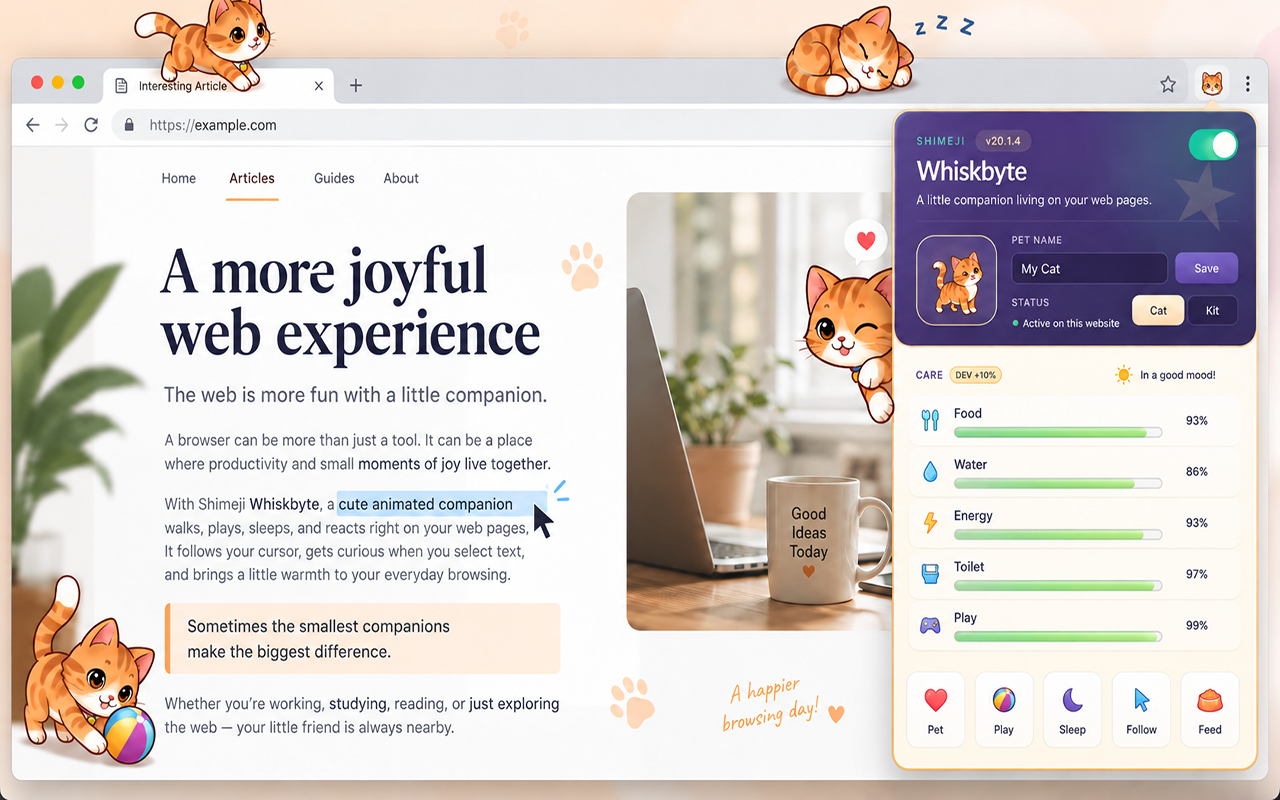
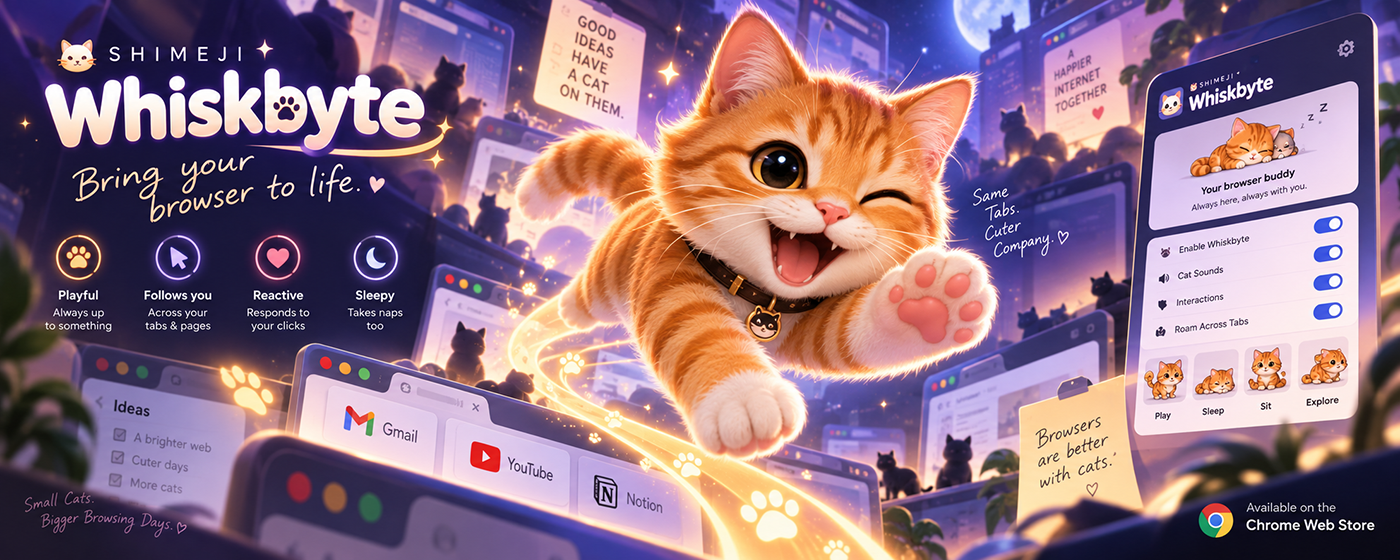
Use the built-in control panel to interact with your browser pet.
You can:
- pet it
- make it purr
- make it jump
- let it follow your cursor
- send it running
- make it roll
- play with a ball
- make it sit or lie down
- feed it
- give it water
- send it to bed
You can also pick it up directly with your mouse and move it around the page.
🧠 SMART REACTIONS
Shimeji Whiskbyte reacts to what happens while you browse.
Selecting text can make it curious.
Fast mouse movement can catch its attention.
Repeated interaction may change its mood.
Sometimes it wants to play, sometimes it gets sleepy, and sometimes it simply relaxes while you continue browsing.
Special reactions and occasional surprises make the character feel less predictable and more alive.
🛏️ TAKE CARE OF YOUR BROWSER PET
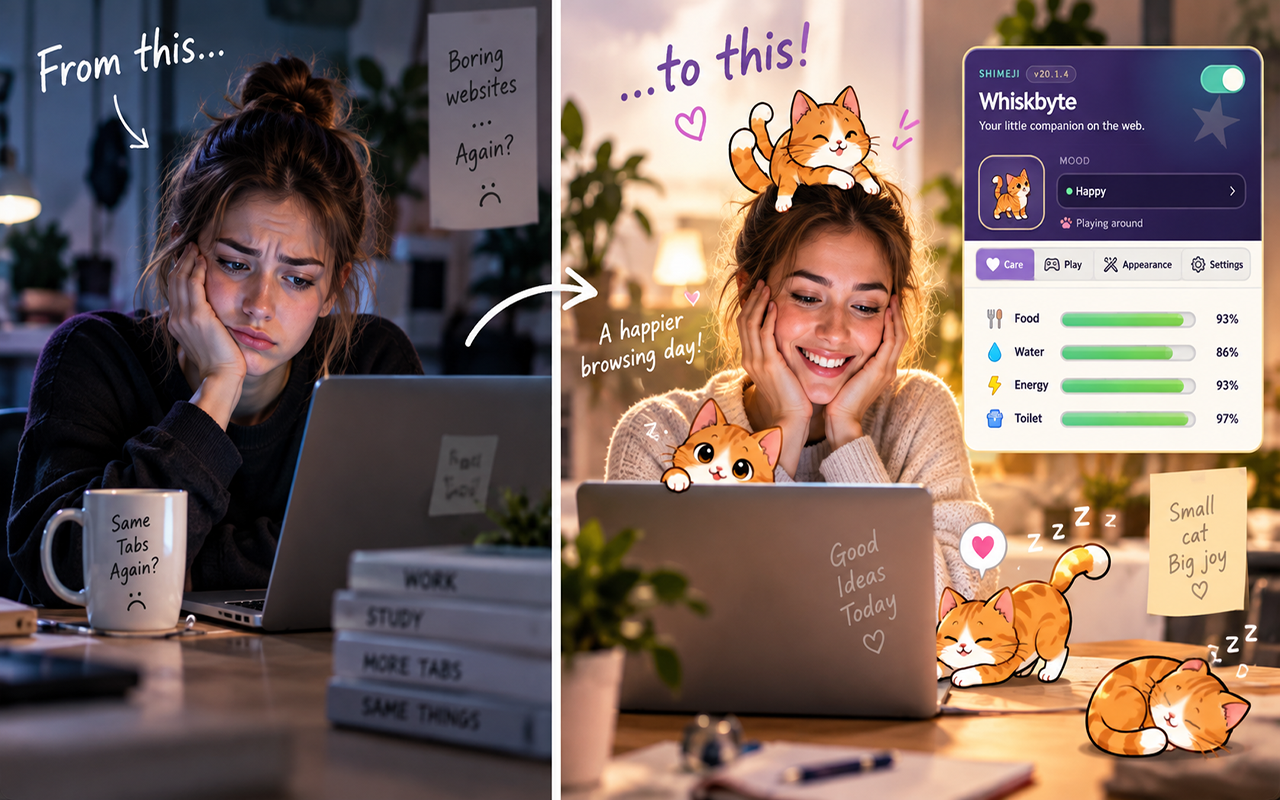
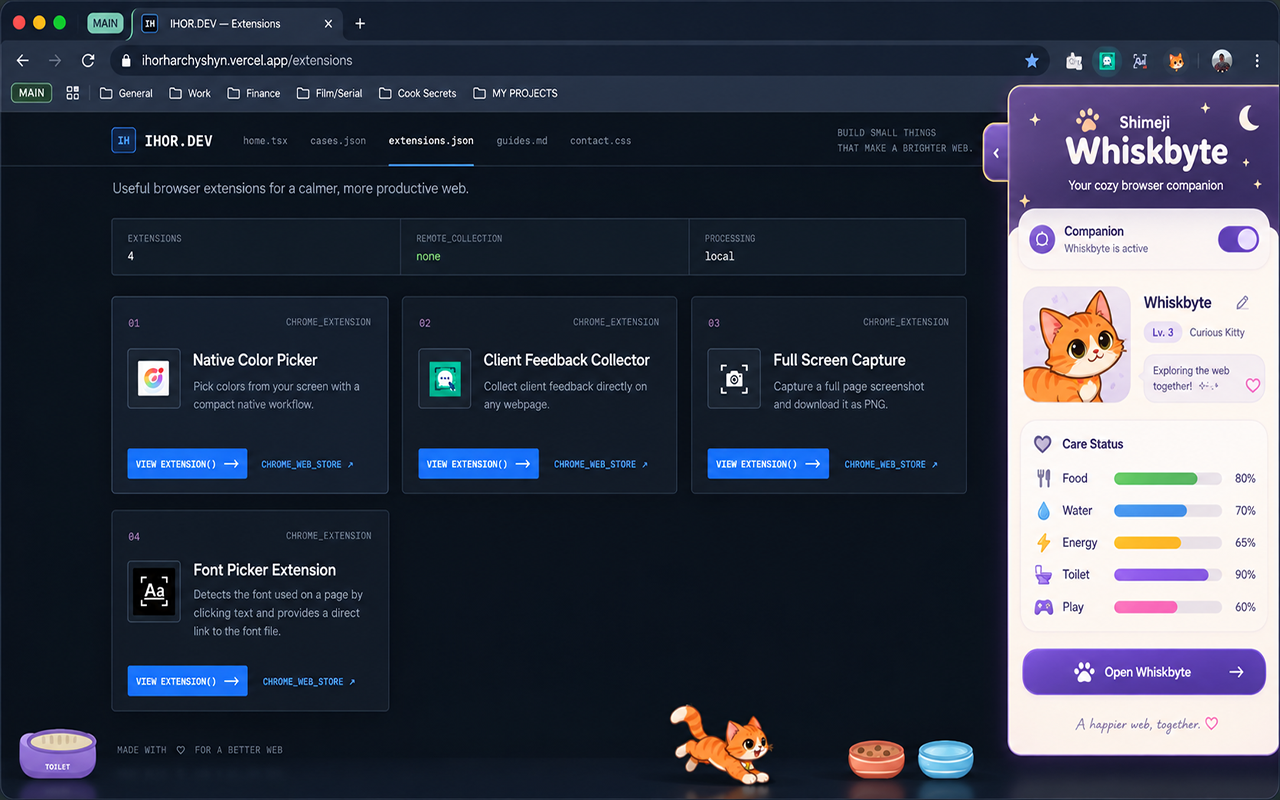
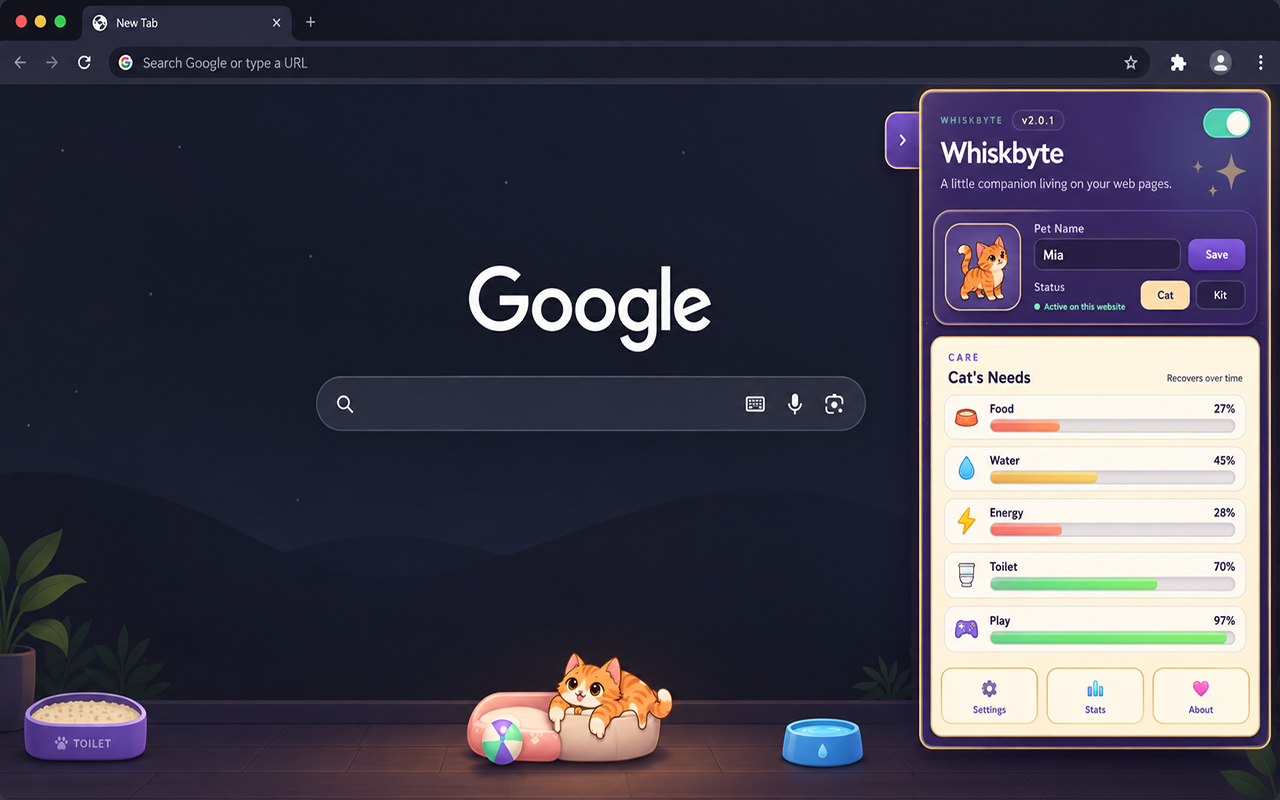
Your Shimeji has basic needs such as:
- food
- water
- energy
- play
- rest
Its environment can include a bed, food bowl, water bowl and toys.
These objects can be moved around the page so you can create a small space for your companion while you browse.
✨ SMOOTH CHARACTER ANIMATIONS
Shimeji Whiskbyte uses dedicated character animations for different actions and moods.
Walking, running, sleeping, playing, rolling, being picked up and other reactions each have their own visual states to make movement feel natural and expressive.
🌍 AUTOMATIC LANGUAGE SUPPORT
The extension automatically detects your browser language when supported.
The interface supports multiple popular languages, including:
- English
- Ukrainian
- Spanish
- French
- German
- Portuguese
- Italian
- Japanese
- Korean
- Chinese
You can disable your Shimeji at any time. When disabled, it stays hidden across websites until you enable it again.
💻 YOUR LITTLE BROWSER COMPANION
Keep a small animated companion with you while you:
- work
- study
- code
- watch videos
- read
- browse social media
- explore the web
Sometimes it walks around.
Sometimes it wants attention.
Sometimes it plays.
And sometimes it simply curls up and sleeps.
Bring a little more life to your browser with Shimeji Whiskbyte.
Screenshots
Promotional artwork
Privacy and data processing
The extension processes the following information only as described for its visible product workflow:
- Cursor coordinates and recent movement samples are held only in page memory to drive reactions and are cleared on unmount. Selection handling checks only whether a range exists and is non-collapsed; selected text is never read or stored. Page contents and browsing history are not read or retained. Pet commands contain an allowlisted command name only.
- Cursor activity, selection contents, page content, browsing history, settings, and care state do not leave the device. The welcome page's Start button opens Google only after a user click; this is ordinary navigation and sends no extension data.
No user data is transmitted to IHOR.DEV or third parties.